LP2 • AI-Assisted Front-End Development

Directing AI, not just accepting the first draft.

For this project, I used Claude to create the first working draft of a fictional skincare landing page, then refined the design, tested the code, and made my own changes based on the target audience and project requirements.

Project Overview

What I was building

The brief

The goal was to create a single-page landing page for a fictional skincare brand called Luma. The audience was women ages 18–25, including college students and early-career professionals who are active on social media and respond to bold, current, beauty-focused design.

The workflow

I used Claude to generate the first draft, then used follow-up prompts to improve the audience fit and complete a final QA pass. I also made manual design and validation changes instead of submitting the AI output unchanged.

Project Demonstration

Luma skincare landing page

Good skin. Less effort.

The final page includes a responsive hero, ingredient section, routine steps, social proof, email signup area, footer navigation, accessibility features, and SEO basics.

Open project in a new tab

Prompt Log

How I directed the AI

Prompt 01

Create the first working draft

Create a single-page responsive landing page for a fictional skincare brand called Luma.

The target audience is women ages 18–25, especially college students and early-career professionals who are active on Instagram and TikTok. They care about clean, effective ingredients and are more likely to respond to a bold, confident, aesthetic-forward design than something clinical or overly corporate.

Build the first working draft using HTML5 and CSS3. You may include a small amount of JavaScript only if it improves the experience, but keep the code readable and easy to understand.

The page must include:

  • a responsive layout that works on mobile and desktop
  • a hero section with the Luma product name, tagline, and clear call-to-action button
  • a product showcase or feature section highlighting ingredients, benefits, or how to use the product
  • a social proof section using testimonials, ratings, or UGC-style content
  • an email signup or “Shop Now” CTA section
  • a footer with basic navigation and social links

Use semantic HTML and keep the structure accessible. Include meaningful heading order, descriptive link/button text, form labels, image alt text placeholders where needed, visible focus styles, and sufficient color contrast.

For the visual direction, avoid a generic AI-generated beauty site. Use a cohesive color palette, typography, spacing, and layout that would feel current and appealing to a Gen Z / young millennial skincare audience.

Also include a page title and meta description for SEO, clear section IDs for navigation, clean organized CSS, and comments only where they are genuinely useful. Please provide the complete first-draft code and briefly explain the design choices you made for the target audience.
Prompt 02

Refine the audience fit

Review the first draft you created for the Luma skincare landing page and revise the visual direction so it feels more like a current skincare/beauty brand for women ages 18–25 and less like a general tech or startup landing page.

Keep the bold, confident personality, but soften the palette and overall styling so it feels more beauty-focused and social-media-friendly. I would like the design to still feel youthful and modern without becoming overly pastel, clinical, or generic.

Please also:

  • replace the CSS-only serum bottle with a more realistic image placeholder area that could later use a product photo
  • keep the layout responsive
  • preserve the current accessibility features
  • remove the inline style from the “How to use it” heading and move that styling into the CSS
  • keep the copy aimed at college students and early-career professionals
  • keep the HTML and CSS readable and easy to validate

Do not completely redesign the page structure. Refine the existing draft and explain the major changes you made and why they better fit the target audience.

Prompt 03

Final front-end QA pass

Review the current Luma landing page as a final front-end QA pass before launch.

Keep the current visual design, page structure, updated ingredient card shapes, tagline “Good skin. Less effort.”, and CTA “Get your Glow.”

Check the page for accessibility, responsive behavior, semantic HTML, form usability, link behavior, color contrast, code cleanliness, and SEO.

Fix any issues you find, but do not redesign the site. Replace placeholder social links with a non-breaking placeholder approach, make sure interactive elements have visible keyboard focus, confirm the email form gives clear feedback for invalid and successful submissions, keep the page usable on mobile and desktop, and keep the HTML and CSS easy to validate.

After making the changes, give me a short list of what you changed and why.

Change Log

What I changed myself

01

Ingredient card shapes

I changed the corner shapes so the cards felt less repetitive and gave the section more personality.

02

Hero tagline

I changed the tagline to “Good skin. Less effort.” to make it shorter, more confident, and less like generic marketing copy.

03

Main CTA

I changed the call-to-action to “Get your Glow.” so the wording felt more casual and energetic for the target audience.

04

HTML validator cleanup

I removed the inline SVG favicon after the validator flagged its data URI as invalid.

05

Redundant ARIA cleanup

I removed unnecessary role="list" attributes from native list elements after validation showed they were redundant.

Standards & Testing

Final validation

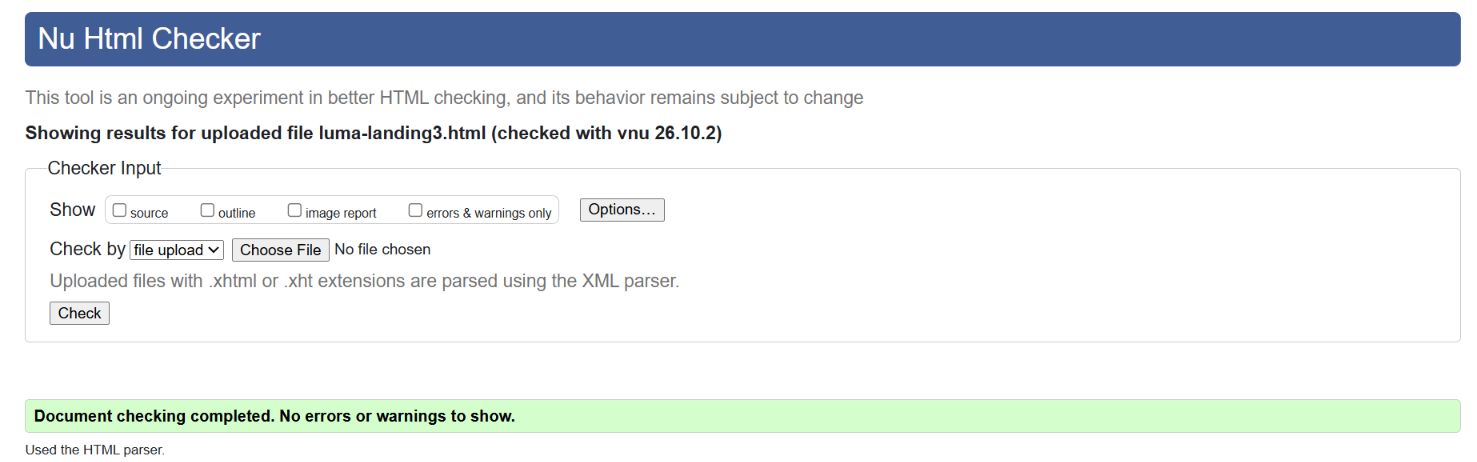
W3C HTML validator showing a successful result with no errors or warnings
HTML5 validation: Final markup passed the W3C validator with no errors or warnings.
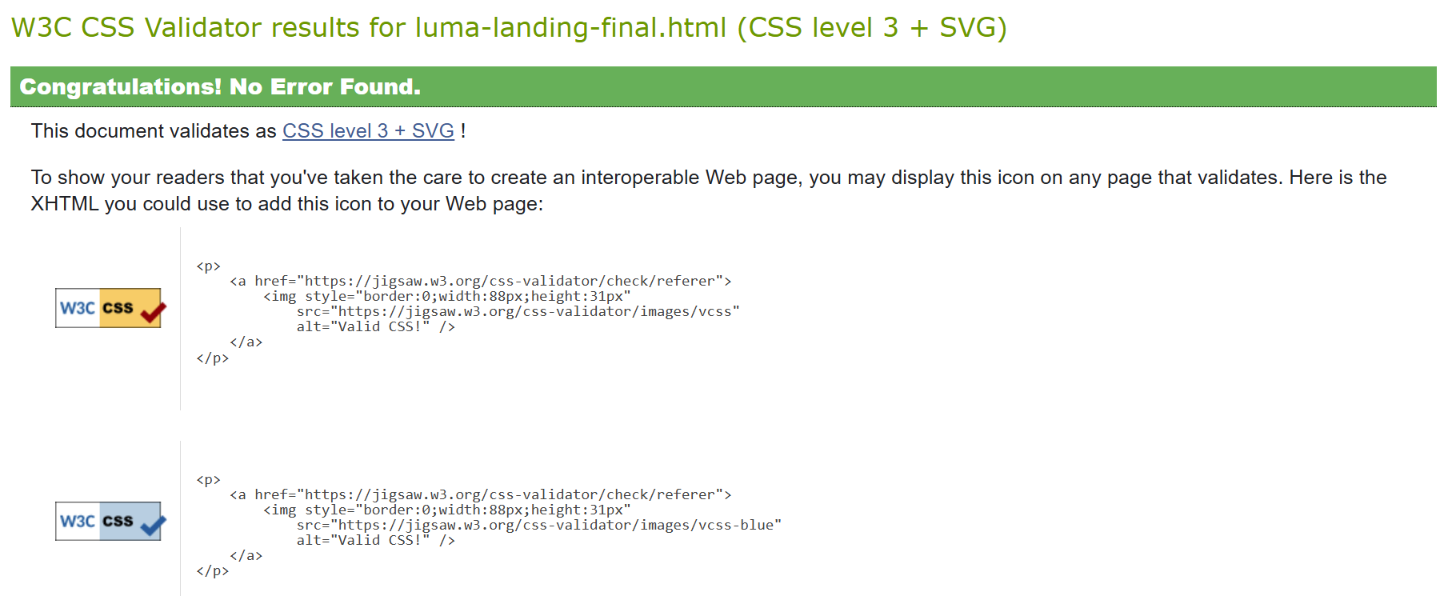
W3C CSS validator showing a successful result with no errors
CSS3 validation: Final styles passed the W3C CSS validator with no errors.

What I checked

More than whether the page looked finished

I reviewed the responsive layout, semantic structure, focus styles, form labels and feedback, link behavior, SEO metadata, and code validation. The final page also includes reduced-motion support and visible keyboard focus.

Reflection

What I learned from the workflow

Using Claude for this project gave me a better idea of where an AI coding assistant can be helpful and where I still need to make the decisions myself. The first prompt worked well because I gave it the target audience, required sections, accessibility expectations, and the general design direction instead of only asking it to make a skincare website. That gave me a functional starting point without having to build the entire layout from scratch.

The first draft still missed the audience visually. The blue and yellow palette and CSS-built bottle felt more like a tech startup than a beauty brand. I used a second prompt to push the design toward a warmer, more beauty-focused direction, then made my own changes to the ingredient cards, tagline, and CTA so the page felt less generic. The final QA prompt also helped catch smaller accessibility, form, link, and SEO details.

Next time, I would probably define the visual direction more clearly in the first prompt, including a stronger description of the brand mood. I would still keep the process iterative, though, because reviewing and refining the output was more useful than expecting one prompt to get everything right.

Final Project

View the finished template